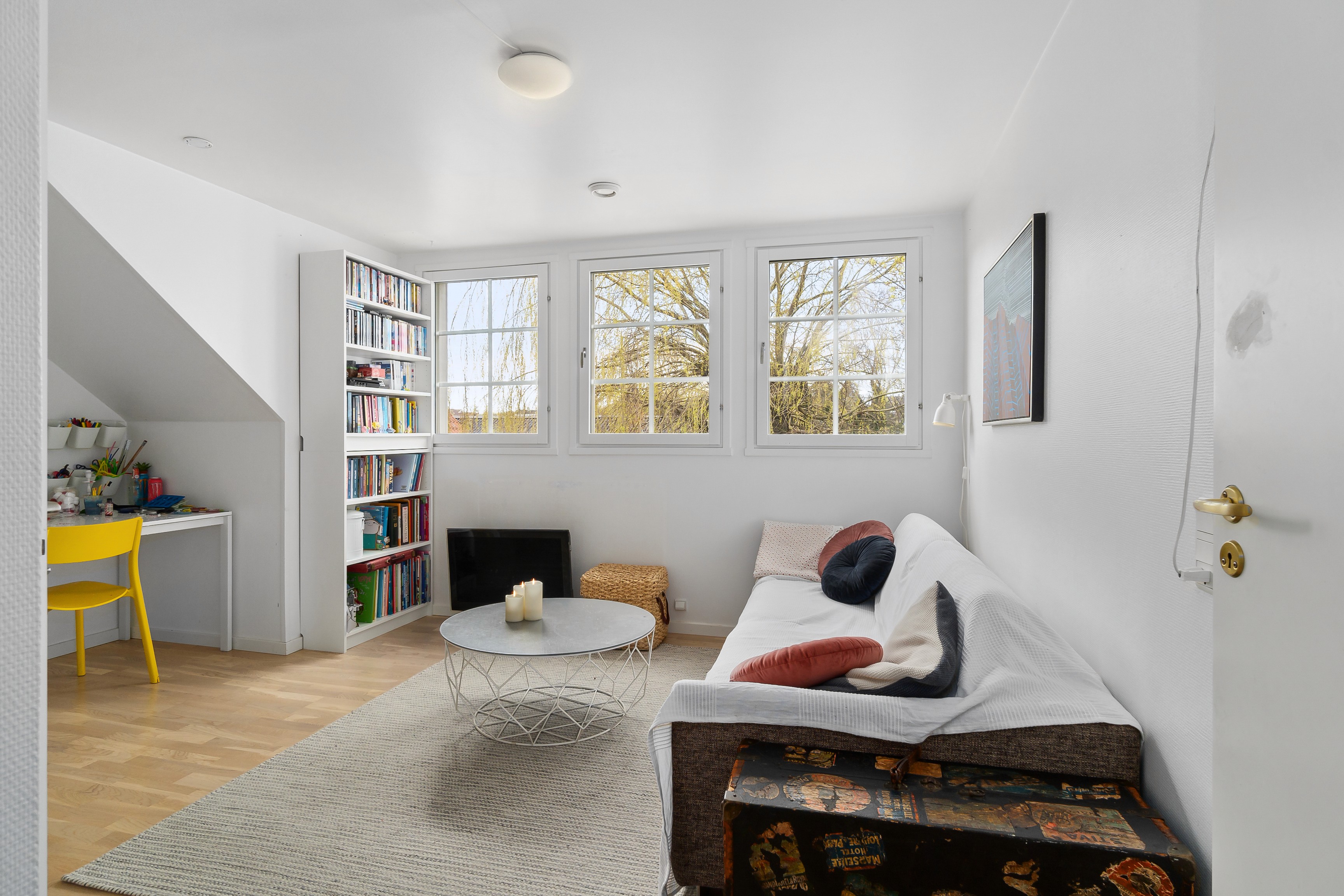
Real estate photography photo editing can turn a good shoot into a listing that works hard for you, or quietly undercut your efforts. Small editing mistakes often slip in when you are rushing through busy days, and they show up later as disappointed clients, weak online performance, or an uneven brand. In this guide, you will see the six most common errors, practical ways to fix them, and how to build a more reliable workflow. Let’s start with the mistakes that cause the most damage.
The Importance of Quality Photos in the Real Estate Market
Quality visuals are one of the few elements you fully control in a listing, and they strongly influence how fast a property moves and at what price. Buyers scroll quickly, and your photos decide whether they stop, click, and book a showing. Strong real estate photography photo editing makes sure every image works for you instead of against you.
A few numbers highlight how much is at stake:
Properties with high‑quality photos sell 32% faster than those with standard or low‑quality photos (Redfin).
Listings with pro‑quality images close between $934 and $116,076 higher than comparable listings with low‑quality photography (RubyHome).
85% of homebuyers say photos are the most critical factor when evaluating a property online (NAR).
6 Common Real Estate Photography Photo Editing Mistakes
Even experienced photographers fall into the same editing traps, especially when deadlines are tight. These six issues show up again and again in real estate photography photo editing, and they are all fixable.
1. Over‑saturated Colors and Unrealistic Tones
Problem:
Saturation and vibrance sliders get pushed too far in an effort to “make the listing pop.” Whites take on blue or yellow casts, neutral gray walls suddenly look green or purple, and wood tones become orange. Grass and skies drift into neon territory, and accent colors (pillows, art, cabinets) dominate the frame instead of supporting it. On different screens, these shifts become even more obvious, and the space no longer resembles what buyers see in person.
Impact:
Buyers feel something is “off” and start to doubt the listing.
Showings can lead to disappointment when the property looks nothing like the photos.
Your brand looks less trustworthy and less professional over time.
How to avoid it:
Work on a calibrated monitor so your color judgments are accurate.
Increase saturation and vibrance gradually, then dial back a little.
Keep a few reference photos from the shoot to compare skin tones, walls, and natural elements.
Treat presets as a starting point then tweak them per property.
Read more: Top Professional Real Estate Photo Editing Service For Premium Listings
2. Over‑brightening and Flat, Washed‑Out Images
Problem:
In the push to make interiors “light and airy,” exposure and shadows get lifted too aggressively. Highlights clip to pure white, especially in windows and light fixtures. Shadows lose shape, so furniture and architectural details blur together. Global de‑haze and highlight recovery are pushed until the file starts to look thin and plasticky. Instead of a clean, bright room, the result is a flat, low‑contrast image with no sense of depth or atmosphere.
Impact:
Spaces feel lifeless and fake, especially on mobile screens.
Texture in floors, cabinets, and furniture is lost.
The listing looks lower quality, even when the original capture was solid.
How to avoid it:
Aim for balanced exposure: protect highlights first, then gently open shadows.
Use local adjustments (brushes, gradients) instead of globally lifting everything.
Start with good base brackets or a well‑exposed raw file so you are not stretching the data.
Keep an eye on the histogram to avoid pushing everything to the right.
3. Crooked Lines and Distorted Perspectives
Problem:
Wide‑angle lenses exaggerate space, but without careful handling, they bend reality. The camera tilts up or down, making vertical lines converge; door frames and window frames lean; ceilings appear to slope. Lens distortion can curve walls and cabinets near the edges. When these issues are left uncorrected, the viewer subconsciously feels the room is oddly shaped or smaller than it is. On phones and tablets, those distortions are even more noticeable because the image fills the screen.
Impact:
Rooms feel smaller, skewed, or uncomfortable to look at.
On small screens, distortion is even more noticeable.
The photos feel less like professional real estate work and more like quick snapshots.
How to avoid it:
Use transform tools to straighten verticals and horizontals in every image.
Apply lens profiles to correct barrel or pincushion distortion.
Shoot at a consistent height (around chest level) and keep the camera as level as possible to reduce correction needed later.
4. Messy Composites and Poor Window Pull
Problem:
Combining multiple exposures or flash/ambient frames without care introduces technical flaws. Moving objects (trees, cars, people, curtains) create ghosting. Edges around windows show halos or hard cut lines. The interior might look one exposure level while the view outside looks like a pasted‑on postcard. Color and contrast can jump between areas of the frame, making the blend feel stitched together instead of natural. This is especially obvious in high‑contrast scenes with big windows and bright exteriors.
Impact:
Viewers notice distracting artifacts even if they do not know why.
Window areas look unnatural, either too bright or unnaturally dark.
Overall impression: low‑quality editing and a rushed workflow.
How to avoid it:
Use clean, precise layer masking when blending exposures or flambient shots.
Keep window brightness realistic - not pure white, but not darker than the interior.
Use tripods and consistent framing on site to give yourself cleaner brackets.
If manual blending is a struggle, consider reliable HDR or flambient tools or outsourcing complex composites.
5. Over‑using Filters and One‑Size‑Fits‑All Presets
Problem:
A favorite preset or filter becomes the answer for every shoot. It might work well on a bright, modern condo, but look strange on a warm, traditional home or a dark townhouse. Whites and neutrals shift unpredictably, skin tones in lifestyle shots take on odd colors, and brand identity gets diluted. As you stack additional filters from social apps or plug‑ins on top, the original file quality erodes, and every listing starts to feel like it came from the same template rather than reflecting the actual property.
Impact:
Listings feel generic and less tied to real‑world conditions.
Materials (wood, stone, paint) and skin tones in lifestyle shots can look strange.
Your brand style becomes inconsistent and confusing.
How to avoid it:
Build a small set of tuned presets for different scenarios (bright modern home, warm traditional, twilight, etc.).
Adjust each preset per shoot instead of applying it at 100% strength.
Create a simple style guide that defines your target look for brightness, contrast, and color.
Review before/after pairs regularly to confirm that your style still matches the property reality.
Read more: Real Estate Photography Tips Every Photographer Needs to Know in 2026
6. Ignoring Small Distractions and Artifacts
Problem:
The main edits look good, but the last 5% of cleanup is skipped. Extension cords, router cables, and phone chargers hang off counters. Tiny pieces of clutter sit on tables or in corners. Sensor dust spots sit in bright skies. Logos on screens or personal items show up in reflections. These elements are easy to miss in a quick zoomed‑out review, but they draw the eye and signal a lack of attention when viewed full‑screen or on a big monitor.
Impact:
Photos look rushed and less premium, even when the overall edit is solid.
Clients notice and may question how carefully you work.
These small issues reduce the impact of otherwise strong compositions.
How to avoid it:
Add a final “distraction check” step to your workflow before export.
Use spot removal and cloning tools to clean up:
Cords and stray objects
Sensor dust and blemishes
Distracting logos or reflections where appropriate
Zoom in and scan edges and corners of each image; that is where most distractions hide.
Building a Better Real Estate Photography Photo Editing Workflow
A reliable workflow reduces mistakes and keeps results consistent, even when you are busy or working with a team. These four steps create a solid foundation:
1. Create a Simple Editing Checklist
Turn the most common problem areas into a short checklist you follow for every image set:
Exposure and contrast: Are highlights protected, shadows balanced, and overall brightness appropriate for the space?
Color: Are white balance and saturation natural, with no strange color casts on walls, ceilings, or floors?
Lines and geometry: Are vertical and horizontal lines straight, with lens distortion corrected?
Distractions and artifacts: Are cords, dust spots, logos, sensor dust, and small clutter removed?
Export settings: Are file sizes, formats, and naming conventions correct for MLS, web, and print?
Running through this list before exporting helps catch most of the errors covered in this article.
2. Set Up Clear Style Guides
If more than one person edits your photos, style guides keep everything aligned:
Define target brightness, contrast, and color temperature ranges.
Show examples of “approved” looks by property type (entry level, mid‑range, luxury).
Clarify how far editors may go with sky replacements, window views, and virtual enhancements.
A short PDF or shared document with visual examples is often enough to make multiple shooters and editors look like one unified brand.
3. Decide When to Use AI Tools vs. Manual Retouching
AI tools can speed up parts of real estate photography photo editing, but they work best when used intentionally:
Good candidates for AI: base corrections, noise reduction, straightening, basic sky replacement, and quick object removal.
Keep manual control for: complex window pulls, tricky composites, luxury properties, and any image going into high‑visibility campaigns.
Combine AI for repetitive tasks with manual fine‑tuning on key images so you save time without losing quality.
Read more: Best Photo Editing For Real Estate: Workflow And AI Integration That Scales
4. Choose What to Keep In‑House and What to Outsource
Not every step needs to stay on your desk:
Keep in‑house: creative direction, shot selection, final client approvals, and any unique brand decisions.
Consider outsourcing: bulk HDR blending, perspective correction, detail cleanup, and consistent base grading across large shoots.
This division lets you stay close to the creative and client‑facing parts of the work while reducing the risk of rushed edits and recurring mistakes when volume peaks.
How Esoft Supports Error‑Free Real Estate Photography Photo Editing at Scale
Esoft works with real estate brands, photographers, and marketing teams that need thousands of images delivered consistently. Our teams are built around real estate visuals, so editors understand how spaces should look on MLS, portals, and social.
We use a hybrid workflow that combines smart automation with careful human review. AI and workflow tools handle repetitive steps like base corrections, alignment, and batching, while experienced editors focus on details: natural color, clean lines, balanced window pulls, and distraction‑free frames. Multiple layers of quality control help catch the small issues that often slip through when volumes spike.
Our real estate photography photo editing services include:
Photo retouching
Photo enhancement
Virtual dusk
This setup lets you move more listings through your pipeline while keeping a steady, on‑brand look.
Conclusion
Real estate photography photo editing can either support trust and stronger outcomes or quietly weaken a listing. Avoiding common issues - over‑saturated colors, flat brightness, distortion, messy composites, heavy filters, and missed distractions - starts with a clear workflow, simple checklists, and defined style guides. From there, combining the right tools, selective use of AI, and strategic outsourcing helps you keep quality steady as volumes grow. If you want a reliable partner for consistent, on‑brand editing at scale, contact Esoft!
Related Blogs
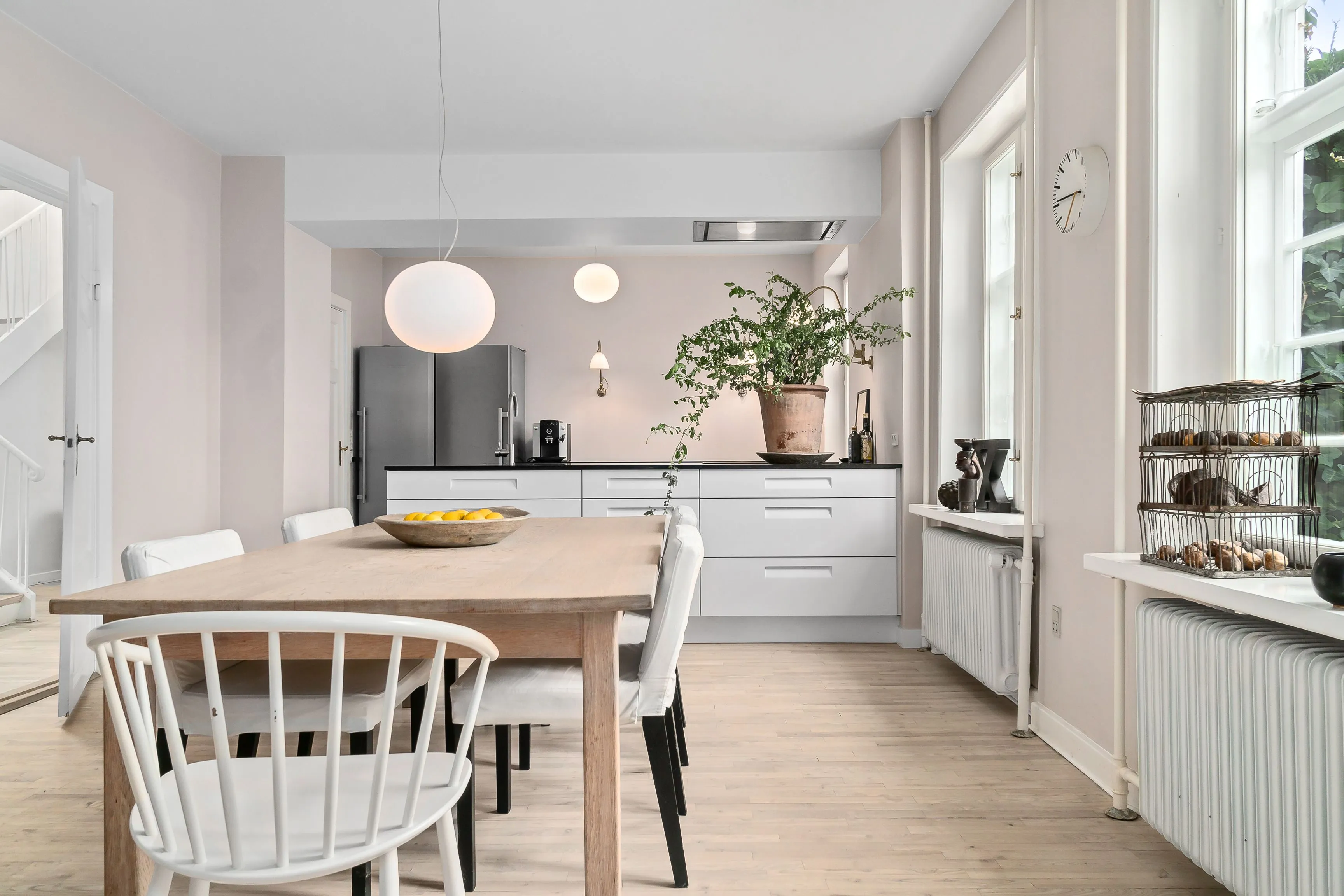
Fast real estate photo editing: The new standard of turnaround time and quality
Photo Editing
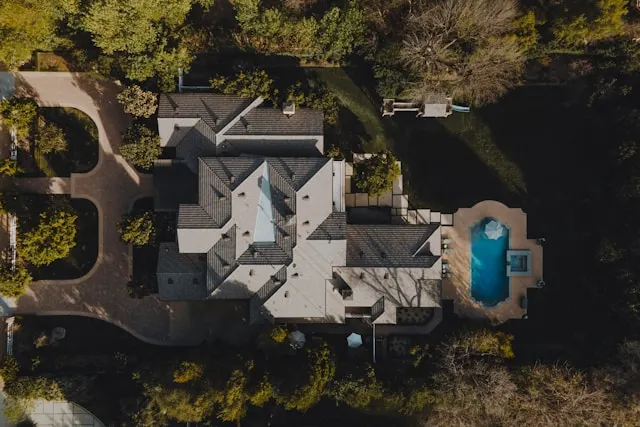
Aerial Photo Editing Services for Real Estate: How to Showcase Your Property at Its Best
Photo Editing
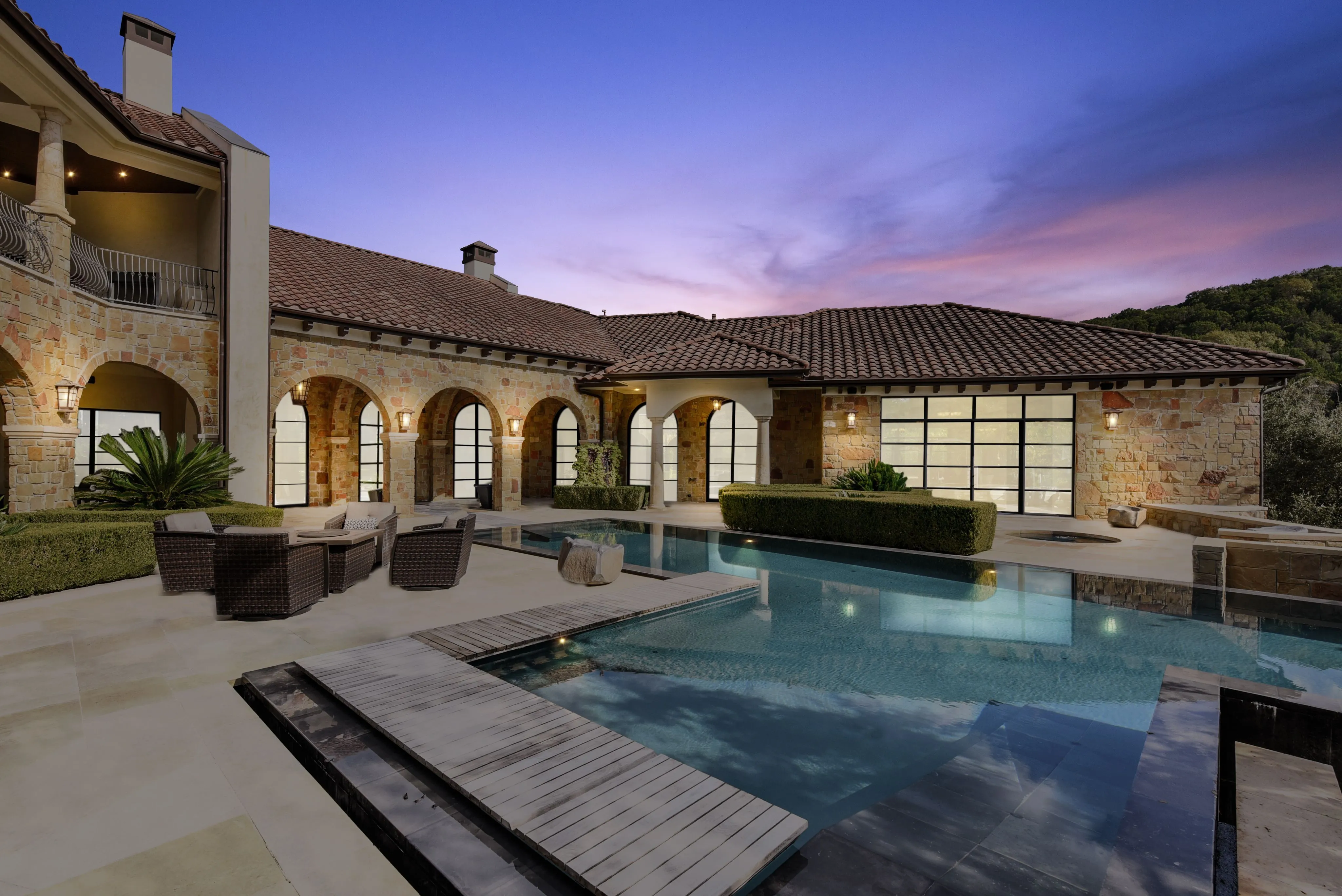
Top 6 Real Estate Photo Enhancement Services in 2026
Photo Editing
6 Most common real estate photography photo editing mistakes
Photo Editing

Top 7+ Proven Real Estate Photo Editing Styles for 2025
Photo Editing




Linh Phan
Content Strategy Executive
No Spam, Just Updates
Our fresh blogs provide technical and industrial information that helps strengthen your business. Sign up to be the first to receive the new updates